
Find IPTV Canada Setup September 28, 2026
Best IPTV Apps for Firestick in Canada: Five Players
Five IPTV player apps for the Firestick compared on their published features: install route, free and paid tiers, remote-first design and guide support.
Find IPTV Canada editors, Plan comparisons and setup notes
Findings
- Five player apps run on a Firestick, installed from the Amazon Appstore where listed or through the Downloader app.
- The app shapes the guide layout and remote handling, while the line decides which feeds are carried and how they play.
- TiviMate is built for Android TV and Fire TV, which is why it ranks first on paper for a remote-only setup.
VIPSATV issues a 24-hour trial with no card, which is enough to check your own feeds.
Five player apps run on the Firestick without any change to the device, and their published designs differ in ways that matter once a full Canadian line-up is loaded. This page compares the best IPTV apps for Firestick use in Canada on what each developer lists: how the app installs, what the free version covers, what the paid tier adds, and whether the layout is built for a remote. The player itself does not supply channels. It reads a line you already have and renders it, so the app and the line are two separate decisions.
What the Firestick actually runs
The Firestick runs Fire OS, which is based on Android, so most Android IPTV players install on it, but not all of them fit a remote-only interface. Some are built for a touchscreen and are awkward to drive with the directional pad.
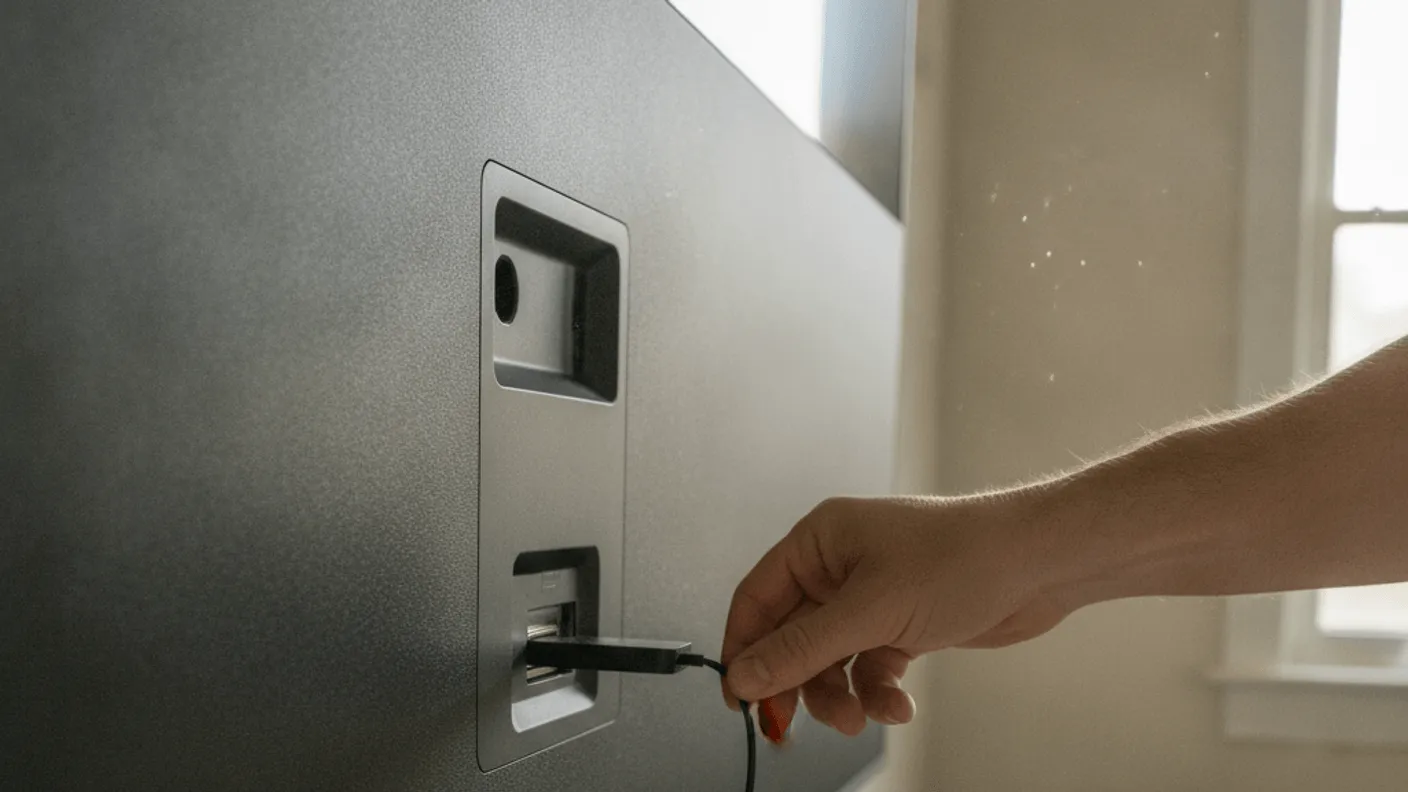
Every app below installs on a Firestick either from the Amazon Appstore, where the app is listed, or through the Downloader app, which fetches it from the address the developer publishes. Store listings change over time and by region, so check the Appstore first and fall back to Downloader only when the app is absent. The Firestick install guide walks through both routes step by step.
The finding on paper: the app you pick changes how the guide reads and how the remote moves through it, but the line decides which feeds are carried and how they play. TiviMate ranks first because it is the one app of the five designed specifically for Android TV and Fire TV.
The best IPTV apps for Firestick, side by side
The table sets out what each developer lists. It does not score speed or stability, which depend on the line, the stick model and the home network.
| App | Firestick install | Cost | Layout design | Paid tier adds (per listing) |
|---|---|---|---|---|
| TiviMate | Appstore where listed, else Downloader | Free / Premium | TV-first | Recording, multiple playlists |
| IPTV Smarters Pro | Appstore where listed, else Downloader | Free | Multi-platform | Not applicable |
| OTT Navigator | Appstore where listed, else Downloader | Free / paid tiers | Phone and TV | Fuller feature set |
| XCIPTV | Appstore where listed, else Downloader | Free / paid | Multi-platform | Extra options |
| Televizo | Appstore where listed, else Downloader | Free / paid | Light, phone and TV | Removes free limits |
All five read a standard playlist or portal line, so any of them will load a Canadian line-up. The gap is in the interface and the feature list, not in what they can carry.
TiviMate: the remote-first player
TiviMate is built for Android TV and the Firestick, and it has no phone build. That focus is the reason it ranks first here, because every menu is laid out for a directional pad rather than a touchscreen.
The guide is a widescreen grid, channel groups can be customised, and a favourites row keeps the channels you open nightly close to hand.
- The free tier plays channels and shows a guide
- Premium adds recording and multiple playlists, priced per region on the store
- Catch-up works only where the line supplies an archive for that feed
- No touchscreen version exists, so a phone is not an option here
Be aware TiviMate has a short learning curve on its settings, since the guide options run deep. Leaving most options at their defaults and setting up groups and favourites first is a sensible way to start.
IPTV Smarters Pro: the simple, multi-platform option
IPTV Smarters Pro is free and publishes builds for Android, iOS, Fire TV, Windows and Mac, which makes it the natural choice when the same household also watches on phones and computers. Its login screen offers an Xtream Codes login or a playlist link, so it is quick to get running for a reader who has never set up a player.
The layout splits live channels, films and series into separate tiles, which reads clearly on a television. It is designed for many platforms rather than for the remote alone, which is why it ranks below TiviMate on a Firestick.
The app works best with the login details from your line rather than a pasted playlist, so keep those to hand. For a matching phone or tablet setup, the Android player comparison covers the same app across other hardware.
OTT Navigator: depth for the tinkerer
OTT Navigator offers the most settings of any app in the set, which is either a strength or a longer setup depending on the household. Its listing names extensive interface customisation, catch-up and archive views, and many ways to sort channels.
The catch-up view lays out past programming on a feed as a scrollable strip, where the line supplies an archive. Because the line-ups on every service this site compares list the full French-language set alongside the English one, the sorting options are useful for keeping the two languages in separate groups.
The depth means more menus to read before it looks the way you want. A reader who enjoys configuring a player will get the most out of it.
XCIPTV and Televizo: the practical pair
XCIPTV presents a live grid and reads both playlist and portal logins, with extras such as multi-screen views on its feature list. It is a reasonable second player to keep installed, since loading the same line into two apps is the simplest way to compare layouts.
Televizo presents itself as the lightest app here, with a plainer interface and fewer settings. That suits a household that wants a simple grid, and it may suit an older Firestick with less memory to spare. Both are free to try and both read a standard playlist line.
The line matters more than the app
A player renders whatever line you feed it, so the picture only stays up if the line and the home connection behind it stay up. If a channel drops in every app you try, the cause is not the app.
The five services this site compares list between 24,500 and 57,000+ channels, and VIPSATV lists the widest channel list of the five with a 24-hour trial. The Canadian service comparison sets out all five on plans and price, and each one lists Fire TV among its supported devices.
If you need to confirm a specific channel is present before committing, the guide on checking a Canadian national line shows how to find a feed inside any of these players.
Regional coverage and channel counts
Which channels reach your screen depends on the line, not the player. The national public and commercial networks, all 13 provincial and territorial feeds, the regional sports feeds and the full French-language line-up are listed on every service this site compares, but the specific feeds you watch are still worth confirming on the free trial.
- For city-by-city notes, see the local IPTV guide by city
- For raw totals, see how many channels a Canadian line actually lists
- For a device that is not a Firestick, the set-top box ranking covers the alternatives
None of these five players caps the channel count. The number you see is whatever the line indexes, and the app simply reads it. Trimming the list from the account dashboard before it reaches the stick keeps the guide shorter and easier to scroll with a remote.
Which player to install
For a remote-only Firestick, TiviMate is the best IPTV player for the Firestick on paper, since it is the one app in the set designed for Android TV and Fire TV. Its Premium tier is the one to consider if you want recording or run more than one playlist.
For a reader who also watches on phones and computers, IPTV Smarters Pro is the simplest to set up and publishes the widest set of builds. OTT Navigator suits the household that enjoys configuring a player, and XCIPTV or Televizo cover the practical middle.
| Need | Player to install |
|---|---|
| Remote-first design | TiviMate |
| Same app on phones and computers | IPTV Smarters Pro |
| Most configuration | OTT Navigator |
| Plain grid, few settings | Televizo |
The device is a one-off cost and the line is a subscription, and the IPTV versus cable comparison sets out how those numbers compare with a cable bill.
Across the five players, the app shapes the guide layout and the remote feel, while the line decides which feeds are carried and how they play. On paper, TiviMate is the best fit for a Firestick driven only by its remote.
The player is installed. The line is separate
A 24-hour trial from VIPSATV takes no card and is enough to check that your own feeds are carried before paying for a month.
Start the trialWorth knowing
Player versus line: why they are separate decisions
On a Firestick, a player app and the line it reads are two separate choices that people often confuse. The player is the software that draws the guide, indexes channel numbers and switches feeds when you press the remote. The line is the playlist or portal address that tells the app what to fetch and where.
Because they are separate, no player can rescue a weak line and no line can fix an awkward interface. If channels stutter across every app you try, look at the line and the home connection. If playback is fine but the guide fights your remote, the player is the part to swap.
This split is useful because it lets you change one side without touching the other. You can keep the same line and move it into a different player, or keep a player you like and point it at a different line, all on the same Firestick.
Why a remote-first layout matters on the Firestick
The Firestick runs Fire OS, which is based on Android, so most Android IPTV players install on it. Many of those players were designed for a phone screen, where you tap a tile with a finger. Driven by a directional pad from across a room, those menus are harder to move through.
A player built for Android TV lays out every menu for a five-way pad instead of a touchscreen. The guide fills a widescreen view and moving between feeds follows the pad rather than nested tiles. That design choice is the main reason a TV-first app ranks above touch-first apps on this device.
When you try a player, drive it entirely with the remote for a few minutes before deciding. Load the full guide, scroll a long list and switch between two very different channels. How it handles those three tasks on your own stick tells you more than any feature list.
Questions
On this guide
01 Which IPTV player is best for a Firestick in Canada?
On paper, TiviMate is the first to try because it is designed for Android TV and Fire TV, with every menu laid out for a remote. IPTV Smarters Pro is the simpler alternative, and the right choice also depends on whether you want a free tier or paid features like recording.
02 Do these apps supply the channels themselves?
No. A player app only reads a line you already have and renders it on screen. The app and the line are two separate decisions, so you pick one player and load your own playlist or portal line into it.
03 Can I install these apps directly on a Firestick?
Yes. Where an app is listed on the Amazon Appstore, install it from there so updates arrive automatically. Where it is not, the Downloader app fetches it from the address the developer publishes, after you allow Downloader to install apps in the Fire TV settings.
04 Why does my picture drop even with a good player?
A player only renders what it receives. If channels stutter across every app you try, the cause is the line or the home connection rather than the player, so check the Wi-Fi signal or wire the stick before changing apps.
05 Are the free tiers enough or do I need to pay?
The free tiers load a line and play channels, which is enough for basic viewing. Paid tiers add features like recording and multiple playlists. If you only watch live channels on one line, the free version may be all you need.
06 Can I install TiviMate on my phone?
No. TiviMate is listed for Android TV and Fire TV only, with no phone build. For a phone, IPTV Smarters Pro or OTT Navigator are the apps to use instead.
Where this leaves you
The widest channel list of the five and the deepest film library, on the joint-lowest opening price. It is the one positioned for a household that watches in both official languages.