
Find IPTV Canada Setup September 28, 2026
TVIP IPTV Box in Canada: Specs and Setup
The TVIP IPTV box explained for Canadian buyers: the S-Box models, Linux and Android firmware, 4K HEVC support, portal and M3U setup, and which services fit.
Find IPTV Canada editors, Plan comparisons and setup notes
Findings
- TVIP sells its S-Box models as dedicated IPTV decoders with a Linux firmware for portal playback and an Android layer for player apps.
- The S-Box v.605 is listed with HEVC decoding at 2160p and an Ethernet port, and every service here recommends 25 Mbps for 4K.
- TVIP is not on the device list the services publish, so confirm the service issues a portal or an M3U line the box accepts before you buy.
VIPSATV issues a 24-hour trial with no card, which is enough to check your own feeds.
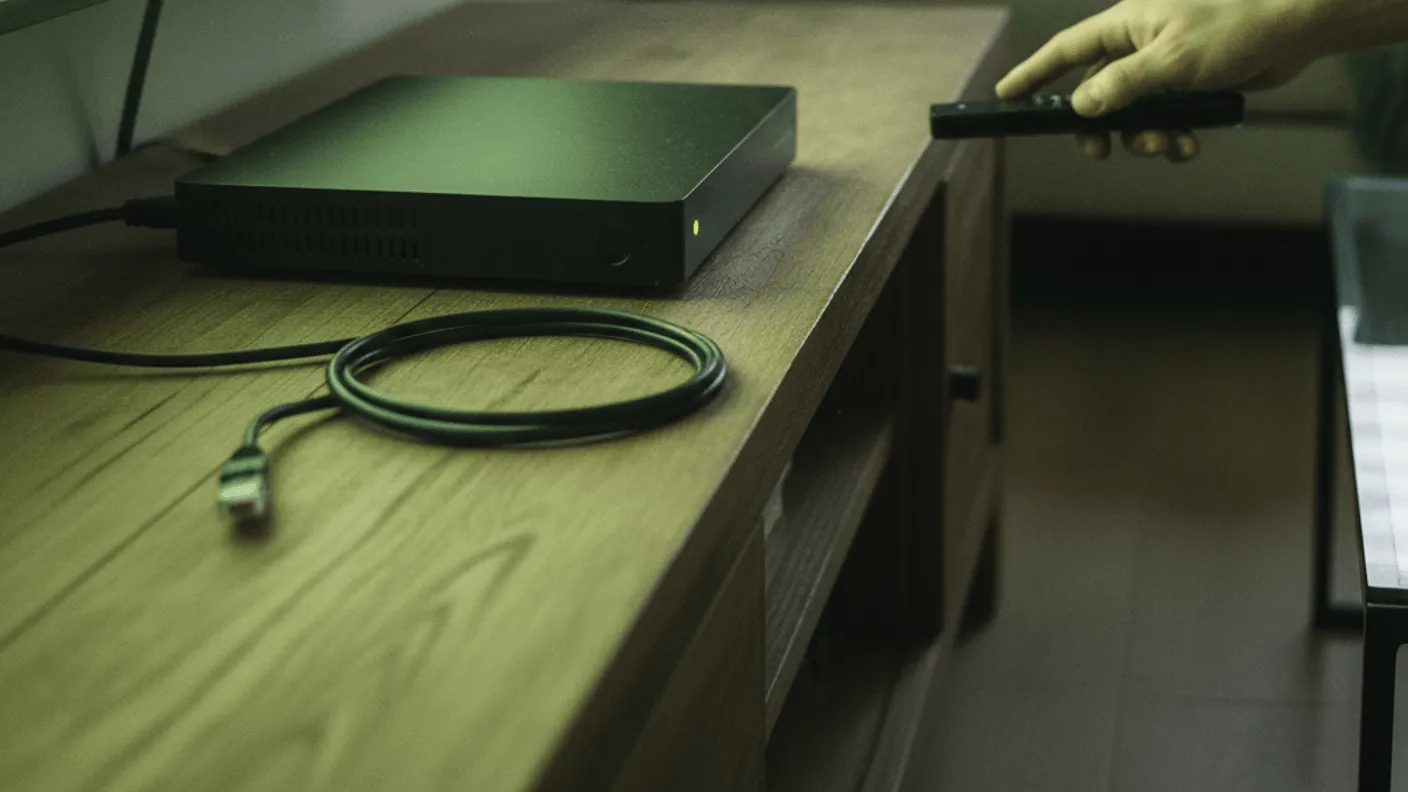
TVIP sells several S-Box models in the Canadian market, with the v.605, the v.530 and the v.415 the ones most often listed. Each is a dedicated decoder built for standard IPTV portal playback, and TVIP documents support for both a portal address and an M3U line. This guide sets out what the TVIP IPTV box is, what its spec sheet lists, and how setup works according to the manufacturer’s documentation. The finding is that the TVIP is a purpose-built decoder that rewards a household which already knows it wants a portal-first device rather than an app store.
What the TVIP IPTV box actually is
TVIP boxes come from a European manufacturer and are sold as dedicated IPTV decoders rather than general media players. The current models run two systems side by side: a Linux firmware for portal playback and an Android layer for player apps.
The Linux side is the reason people buy the box. It loads a portal address and presents a channel list with a programme guide, with very little on-screen furniture around it.
The Android side exists for households that want to add a player app. That flexibility is real, but the Android version on a set-top decoder can trail the one on a current Fire TV or Nvidia Shield, so confirm that the player you plan to use supports it.
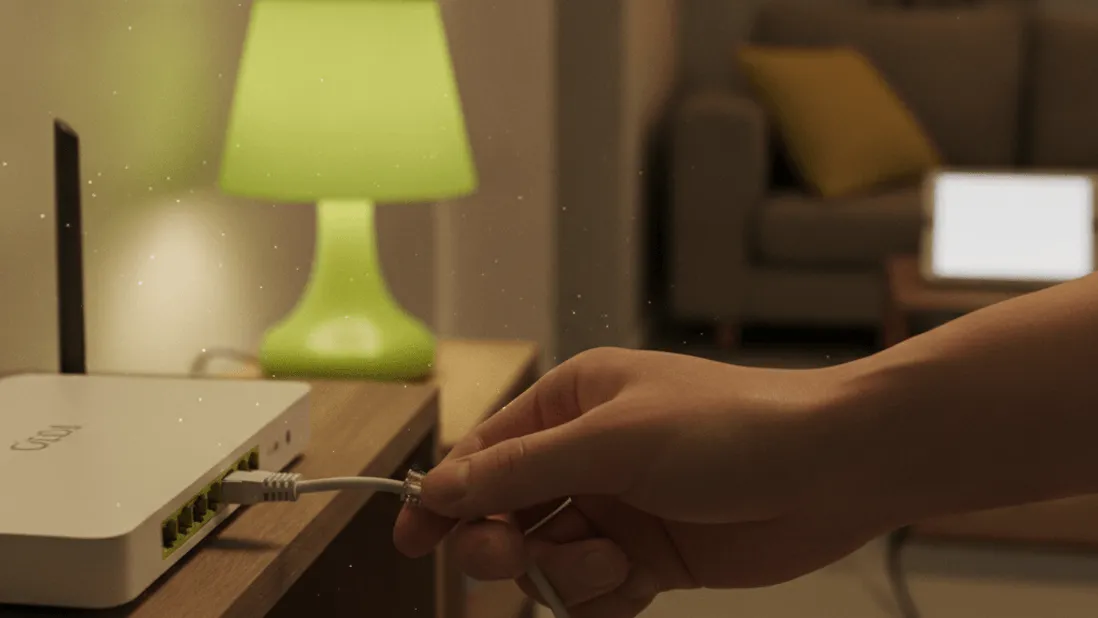
TVIP IPTV box specs from the manufacturer
The v.605 is the 4K model in the range. The points below are the lines on its spec sheet that matter for an IPTV line; the other models differ mainly in decoding and output.
- Firmware: Linux for portal playback, plus an Android layer for apps.
- Line types: a provider portal address or an M3U playlist line.
- Video: HEVC decoding at 2160p on the v.605, with 4K output over HDMI.
- Network: a wired Ethernet port as well as Wi-Fi.
- Remote: a physical remote with number keys and a guide button.
Every service in this comparison recommends 25 Mbps for 4K and lists 4K on the feeds broadcast in 4K. The v.605’s decoding covers those feeds, but whether a given feed arrives in 4K is set by the service and the broadcaster, not the box. Our 4K service guide explains how to check a specific feed.
Setting up a TVIP box step by step
TVIP’s setup is portal-first. The steps below follow the general order for a new portal decoder; menu names vary by firmware version, so keep the manufacturer’s quick-start sheet to hand.
- Connect the box to the television over HDMI and, where the router is within reach, to the router with an Ethernet cable.
- Power the box on and choose the language, time zone and network on the first-boot screens.
- In the display settings, set the output to 2160p if the television is 4K, so the box does not scale the 4K feeds down.
- Open the provider or portal setting and enter the portal address your service supplies, then restart when prompted.
- For an M3U line, enter the playlist address in the box’s playlist setting or in a player app on the Android side.
- Let the channel list and the programme guide load fully before you start switching feeds.
Once the portal is entered, the channel list loads without further app installs. That is fewer steps than the download-and-sideload sequence a Fire TV requires, which is covered in our Firestick and Smart TV install walkthrough.
TVIP compared with other decoder boxes
The TVIP sits in a narrow band. It is quicker to configure than a bare Android box for portal use, but its app range is smaller than the mainstream streaming sticks. The table places the v.605 against three devices a Canadian household is likely to weigh against it. Price ranges are approximate retail and vary by seller.
| Device | Type | 4K HEVC | Portal-first setup | Approx. price (CAD) |
|---|---|---|---|---|
| TVIP S-Box v.605 | Linux and Android decoder | Yes | Yes | 150 to 180 |
| Fire TV Stick 4K Max | Fire OS stick | Yes | No (app-led) | 75 to 90 |
| Nvidia Shield TV Pro | Android TV box | Yes | No (app-led) | 270 to 300 |
| MAG box | Linux decoder | Model dependent | Yes | 90 to 130 |
The Fire TV Stick 4K Max is cheaper and carries a far larger app store, but it needs a player installed before it plays anything, and it has no Ethernet port on the stick itself. The Nvidia Shield carries the most headroom and suits a household that also wants a general media box.
The MAG box is the closest match in concept. The difference that matters for a buyer is support: every service in this comparison lists MAG among its supported devices, while TVIP is not on those lists by name. Our best IPTV box in Canada guide sets these device families side by side.
What to be aware of before buying
The Android layer can be older than a current streaming stick. Some player apps set a minimum Android version, and a player that expects a newer release will not install on an older build. Check the version on the listing against the player’s requirements.
The box is a decoder, not a source. It plays whatever line you load, so the channel count, the film library and which feeds arrive in 4K depend entirely on the service. Choosing that service matters more than choosing the box.
Support is the practical check. Because the services list MAG rather than TVIP, confirm before buying that your chosen service issues either a portal address the TVIP accepts or an M3U line you can load in a player on the Android side.
Wi-Fi 4K is workable on a strong signal, but the Ethernet port is there for a reason. A household planning regular 4K viewing should plan on a wired connection.
Which service to run on a TVIP IPTV box
Hardware is only half the setup. A TVIP needs a portal or an M3U line from a service, and the line decides what the box can show. The published figures for the five services in this comparison:
| # | Service | Channels | Films and series | 1 month (CAD) | Trial |
|---|---|---|---|---|---|
| 1 | VIPSATV | 57,000+ | 250,000+ | 18.99 | 24 hours, email, no card |
| 2 | RoomateTV | 45,000+ | 200,000+ | 21.99 | From checkout, no card |
| 3 | Firstchannels | 50,000+ | 180,000+ | 18.99 | From checkout, no card |
| 4 | Clixwatch | 39,000+ | 200,000+ | 22.99 | Available |
| 5 | Streamtion | 24,500+ | 130,000+ | 23.99 | Available |
The service this site ranks first is VIPSATV, on the widest channel list, the deepest library and the joint-lowest rolling month. Every service lists the national public and commercial networks, all 13 provincial and territorial feeds, the regional sports feeds and the full French-language line-up. The full comparison sits in our five services compared on plans and price.
A free IPTV trial lets you verify three things on your own TVIP box: that the service’s line loads through the portal or the M3U route, that the national and French-language feeds you watch open on your connection, and that the programme guide fills in for your region.
Who the TVIP box suits
The v.605 suits a household that wants a dedicated decoder with a physical remote and minimal setup. It suits viewers who channel-surf, who watch a fixed set of national and French-language feeds, and who prefer a portal to an app store.
It is less suited to a household that wants one box for streaming apps, games and IPTV together. That household is better served by a Fire TV or an Nvidia Shield, both covered in our box comparison.
Anyone unsure which category they fall into can work through our how to subscribe guide before spending on hardware, since the service determines which setup route the box will use.
The finding
The TVIP S-Box v.605 is a dedicated IPTV decoder with a Linux portal firmware, an Android layer, HEVC decoding at 2160p and a wired Ethernet port. It carries a smaller app range than a Fire TV or an Nvidia Shield and is not named on the services’ device lists, so it fits a portal-first household that has confirmed its service issues a line the box accepts. On that line, it does what a dedicated decoder is built to do.
The player is installed. The line is separate
A 24-hour trial from VIPSATV takes no card and is enough to check that your own feeds are carried before paying for a month.
Start the trialWorth knowing
Understanding portal-first IPTV decoders
A portal-first box like the TVIP differs from general streaming hardware because it is built around loading a single portal address or M3U line rather than browsing an app store. The firmware presents a channel list and a programme guide with little else on screen, which makes it simple once configured but less flexible for casual app use.
This design choice matters when deciding between a dedicated decoder and a general media player. A portal-first box rewards someone who already has a service and a clear set of feeds in mind, while a general Android box suits someone who wants to install and change apps as needs shift.
Why a wired connection matters for 4K IPTV
4K HEVC streams carry far more data than HD feeds, and every service in this comparison recommends 25 Mbps for 4K. Any shortfall in throughput shows up as slow channel changes or a picture that drops back in quality.
A wired Ethernet connection gives the box its own path to the router, free of the interference and shared airtime that affect Wi-Fi in a busy home. For anyone planning to use a decoder as a main 4K source, treating the Ethernet port as the default connection is the sensible starting point.
Questions
On this guide
01 What is the TVIP IPTV box used for?
It is a dedicated decoder built to load a provider portal address or an M3U line and play the channels on it. TVIP sells it for portal playback first, with an Android layer for households that also want player apps.
02 Does the TVIP box support 4K?
The S-Box v.605 is listed with HEVC decoding at 2160p and a 4K HDMI output. Every service in this comparison recommends 25 Mbps for 4K and lists 4K only on the feeds broadcast in 4K, so check the specific feed on the trial.
03 Can the TVIP box run Android apps?
Current TVIP models carry an Android layer alongside the Linux firmware, so player apps can be installed there. The Android version on a set-top decoder can trail the one on current streaming sticks, so confirm your player supports it before relying on that route.
04 Do IPTV services list the TVIP box as supported?
Not by name. The services in this comparison list Fire TV, Android and Android TV, Apple TV, iOS, Samsung and LG TVs, MAG and Windows. On a TVIP, the practical routes are an M3U line in a player on the Android side, or a portal address if the service issues one for the box.
05 Is the TVIP box a good fit for beginners?
It suits a household that already knows it wants a portal-first device with few on-screen menus. Someone expecting an app-store-first experience will find a Fire TV or Android TV device more familiar.
Where this leaves you
The widest channel list of the five and the deepest film library, on the joint-lowest opening price. It is the one positioned for a household that watches in both official languages.